1.2.1.2. Paraview in DesignSafe
DesignSafe provides paraview for viewing OpenSeesPy results:
Tip
- Make sure the steps in OpenSeesPy in DesignSafe are completed.
Tip
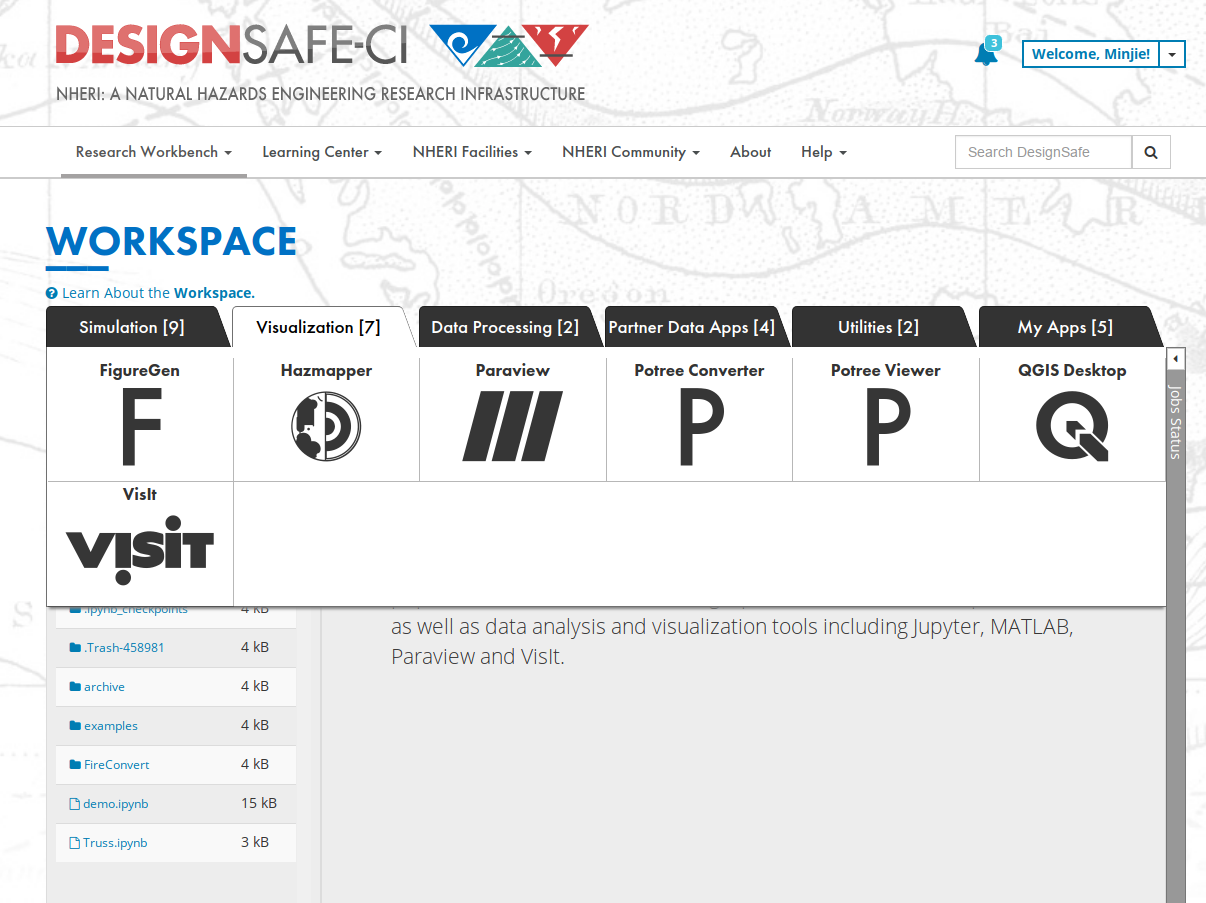
- Go to
Workspaceand selectVisualizaionandParaview.
Tip
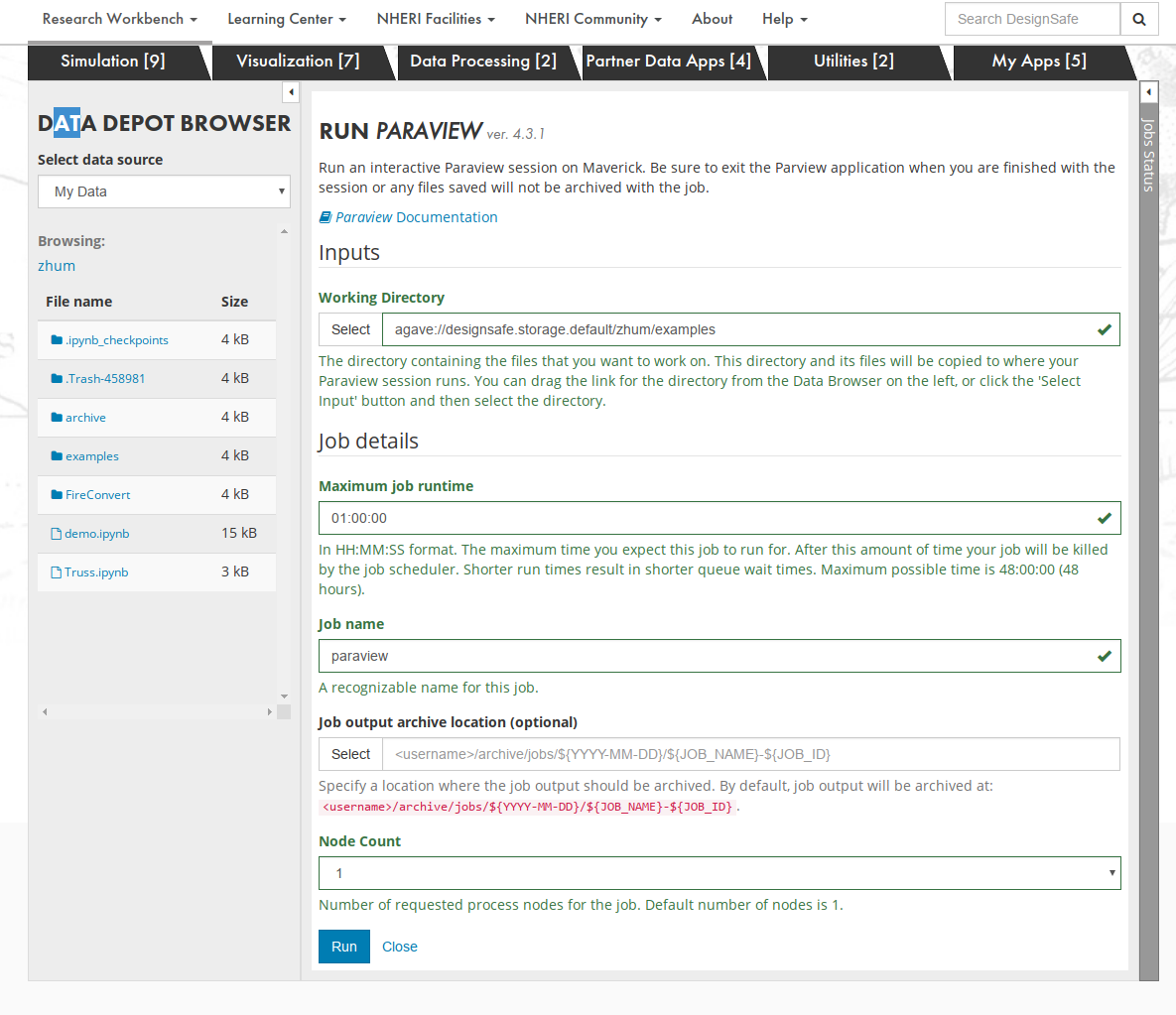
- In the Job Submission windows, you should select
Working Directory,Maximum job runtime,Job name, andNode Count, and clickRun.
Tip
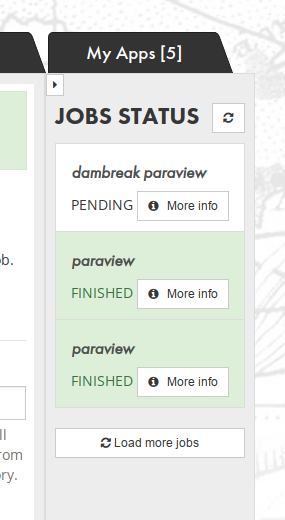
- You can see the job status on the right
Tip
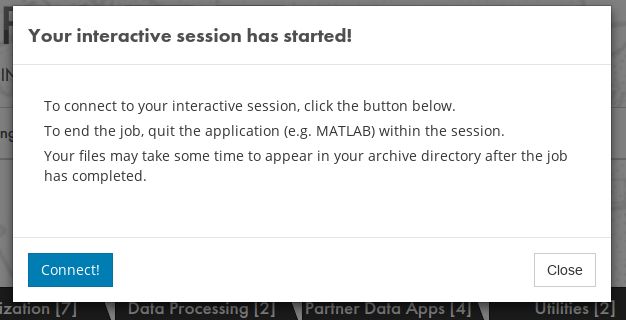
- Wait until see this windows and connect to Paraview
Tip
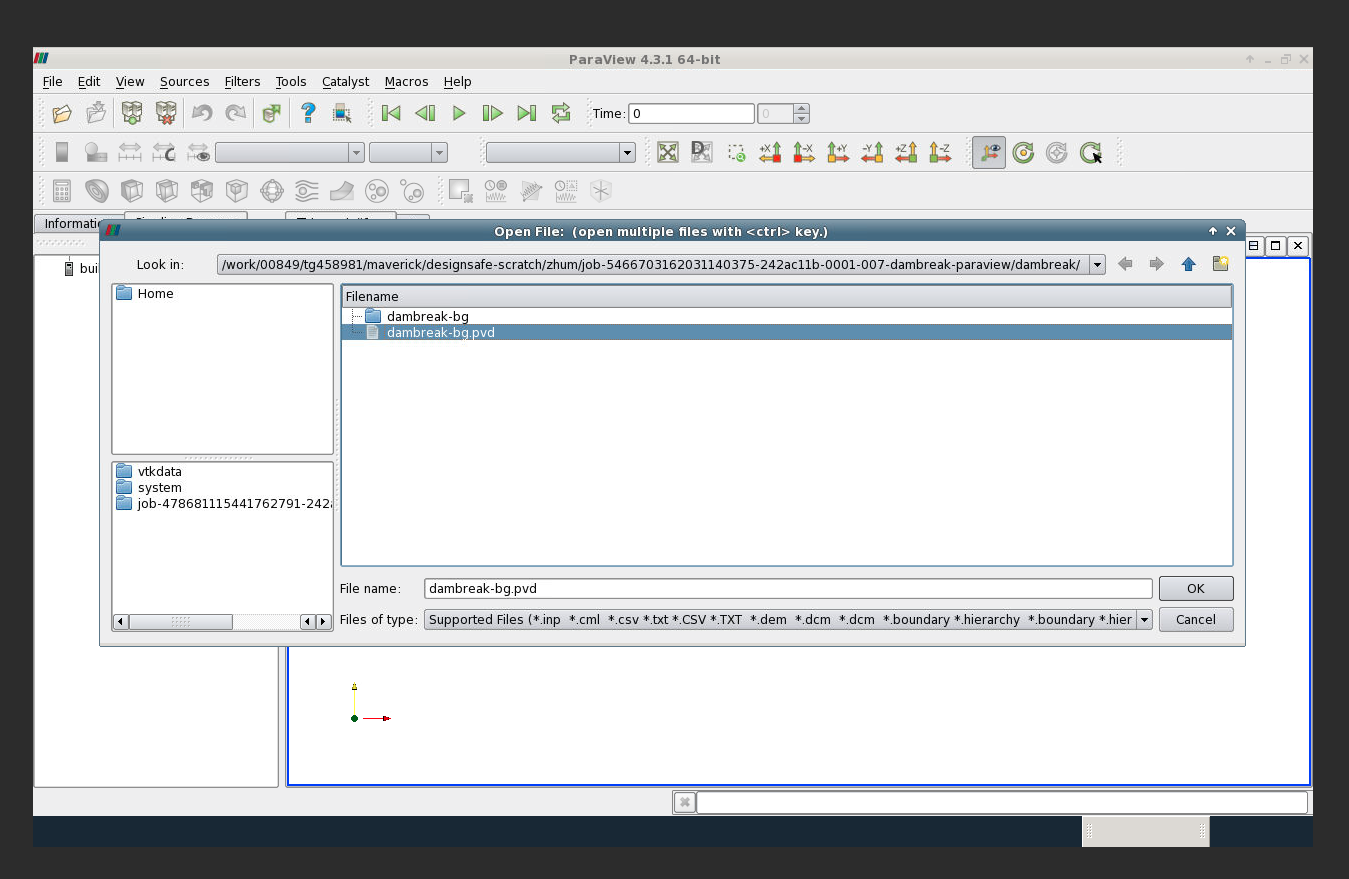
- Now open the pvd file in Paraview
Tip
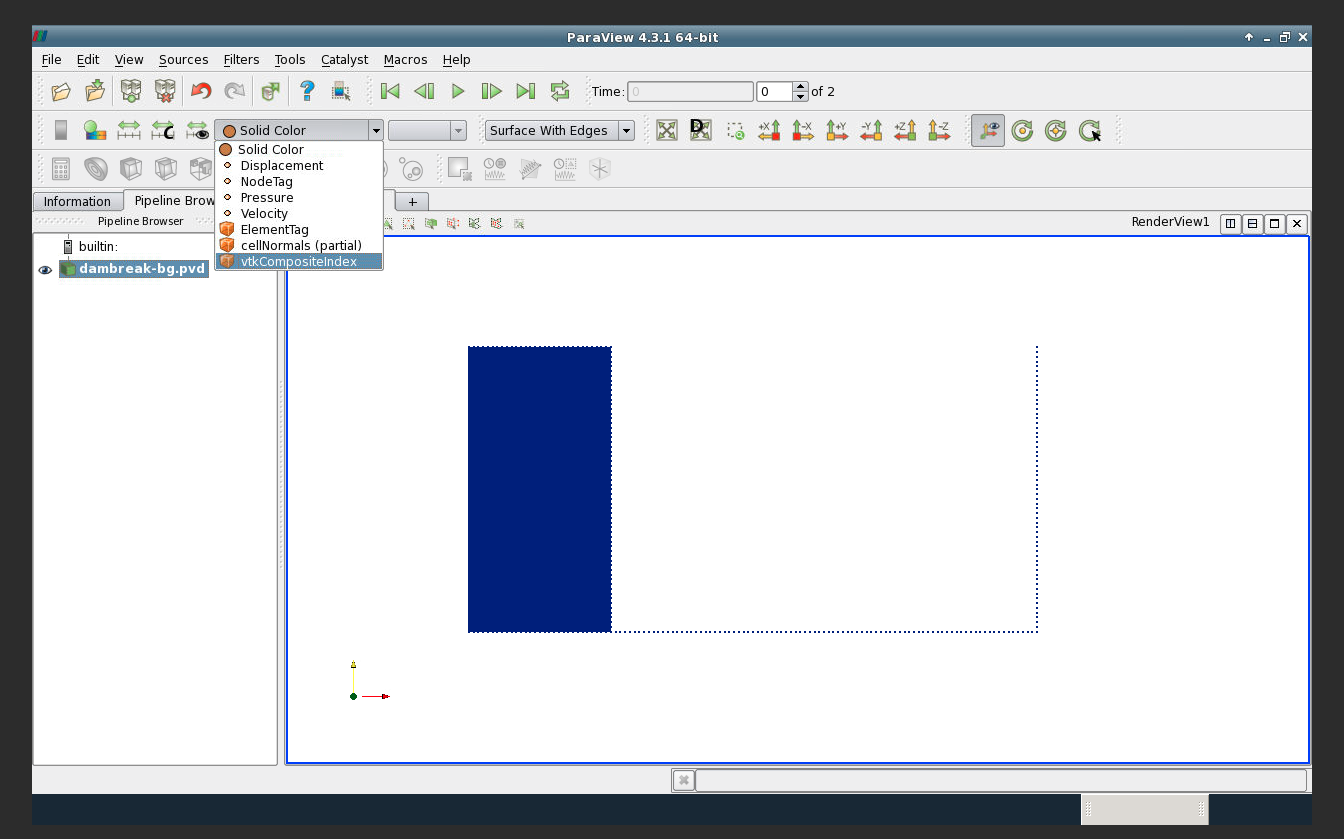
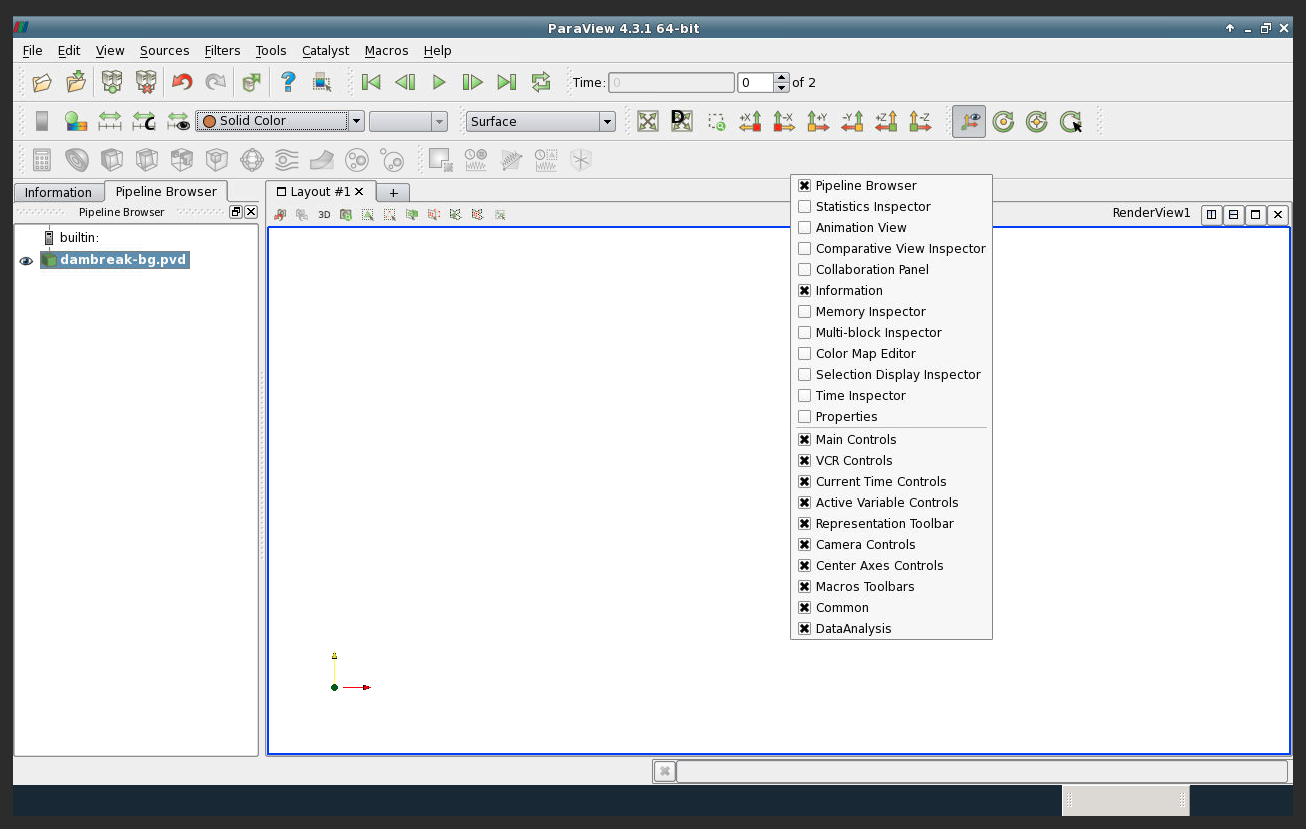
- Initially, you see nothing
- Check the
Pipeline Browser - Click on the eye left to the file in
Pipeline Browser
Tip
- Change the
Solid Colorto other variables - Change
SurfacetoSurface With Edges